
Overview
What we're reviewing: thinkorswim (desktop) — the advanced desktop trading platform offered through Charles Schwab (legacy TD Ameritrade product). Primary emphasis: options analytics, multi-leg order construction, scenario modeling, and simulated trading. Platform: Windows and macOS native desktop client; companion mobile and web apps exist but remain less feature-complete.
Key specs at a glance:
- Cost: Platform is free for Charles Schwab/TD account holders. As of October 2026, Charles Schwab’s published retail schedule lists $0.65 per options contract; verify the broker’s site for the latest fees.
- Core tools: Multi-leg order builder, Risk Profile (P/L diagram), Option Hacker (scanners), Analyze tab, paperMoney simulated trading, thinkScript for custom studies/alerts.
- Data: Streaming market data and market depth (Level II) for supported symbols; historical option chains and implied volatility metrics integrated into analytics.
- Target users: Active options traders who need deep, visual risk tools rather than a mobile-first, simplified interface.
Background
thinkorswim originated with the thinkorswim Group, was acquired by TD Ameritrade, and now sits inside the Charles Schwab product family. The platform’s identity — powerful, feature-dense, and options-centric — has remained intact. If broker platforms are cars, thinkorswim is the sport-touring model with a Swiss Army knife in the glove box: fast, configurable, and over-equipped for casual errands.
Features Analysis
I focus on the tools options traders actually use in live trading and position management.
Analyze Tab & Risk Profile
The Analyze tab is the decision center. Build multi-leg trades and see real-time profit/loss across price and time on the Risk Profile chart. You can view Greeks (delta, gamma, vega, theta), toggled probability slices and scenario projections for movement and volatility changes. In practice, I used it to model a 30-day iron condor on SPY and could inspect estimated max loss, margin, and probability of expiring in-range without leaving the trade builder.
Option Hacker & Scanners
Option Hacker remains the fastest way to surface candidate contracts based on delta, implied volatility rank (IV Rank), open interest and option greeks. You can chain filters — for example, look for weekly puts with IV Rank above 70 and open interest over 1,000 — and push matches into a watchlist. That workflow cuts discovery time when hunting for short-dated premium trades.
thinkBack, OnDemand & paperMoney
thinkBack provides historical option pricing and lets you replay how a multi-leg would have behaved across a specified move. OnDemand replays market days candle-for-candle for practice. paperMoney is a polished simulator that supports multi-leg fills, margin modeling and adjustable slippage. Together these tools are useful rehearsal environments — not a replacement for rigorous statistical backtests, but excellent for learning order-timing and adjustment mechanics.
thinkScript
thinkScript, the platform's proprietary scripting language, is still the easiest way to create custom studies, alerts and scans inside the client. It isn’t Python, and it’s not designed for full algorithmic execution, but it’s powerful enough to codify greeks-based signals, conditional order prompts and bespoke chart studies without exporting data.
Order Entry & Execution
thinkorswim supports complex order types: multi-leg net debit/credit orders, one-cancels-other (OCO), bracket orders and conditional orders. Execution quality benefits from Schwab’s clearing infrastructure. That said, traders who require raw, low-latency API access and custom routing at scale should still evaluate brokers that expose FIX or programmatic REST trading endpoints (Interactive Brokers, for example).
Recent 2024–2026 developments worth noting
- Performance and stability updates in 2025–2026 improved memory behavior and multi-monitor support for many users; desktop remains resource-heavy compared with lightweight web clients.
- Regulatory and industry focus on options disclosures and best-execution transparency has pushed brokers to surface more pre-trade analytics (e.g., estimated execution probability and fill quality history) inside platforms. thinkorswim exposes more execution-statistic disclosures than it did five years ago, but full routing transparency still requires reviewing Schwab’s reports.
- Integration gap: thinkorswim continues to excel at in-app analysis, but the platform does not provide a general-purpose retail trading API for fully automated strategies. If you plan to run systematic execution at scale, pair thinkorswim for analysis with a broker that offers programmatic execution.
Pros and Cons
- Pros
- Exceptionally deep, integrated options analytics — visualization and numerical tools live together.
- paperMoney and OnDemand give a realistic rehearsal space for fills and adjustments.
- thinkScript enables meaningful customization without leaving the app.
- Free to platform users; no separate subscription for standard retail accounts.
- Cons
- Steep learning curve — the UI is dense; new traders can feel lost.
- Desktop client is resource-intensive; plan for a solid machine (see hardware tip below).
- Not the platform of choice for fully automated, API-first execution at institutional scale.
- Per-contract fees (see Pricing) mean high-frequency, high-volume options traders should still shop commission tiers.
Pricing / Value
Platform cost: thinkorswim itself is free for customers of Charles Schwab/TD. As noted above, Schwab’s retail fee schedule listed $0.65 per options contract as of October 2026. There are no separate platform subscription fees for standard retail accounts. Margin rates, portfolio margin eligibility and other account-level costs follow Schwab’s published policies.
Value judgment: For active retail options traders who value visual risk tools, integrated simulation and the ability to customize indicators, thinkorswim represents high value. If your business model depends on squeezing every penny off per-contract fees at very high volumes, compare Schwab’s commission ladder to Interactive Brokers and other low-cost providers.
Practical hardware & setup tip
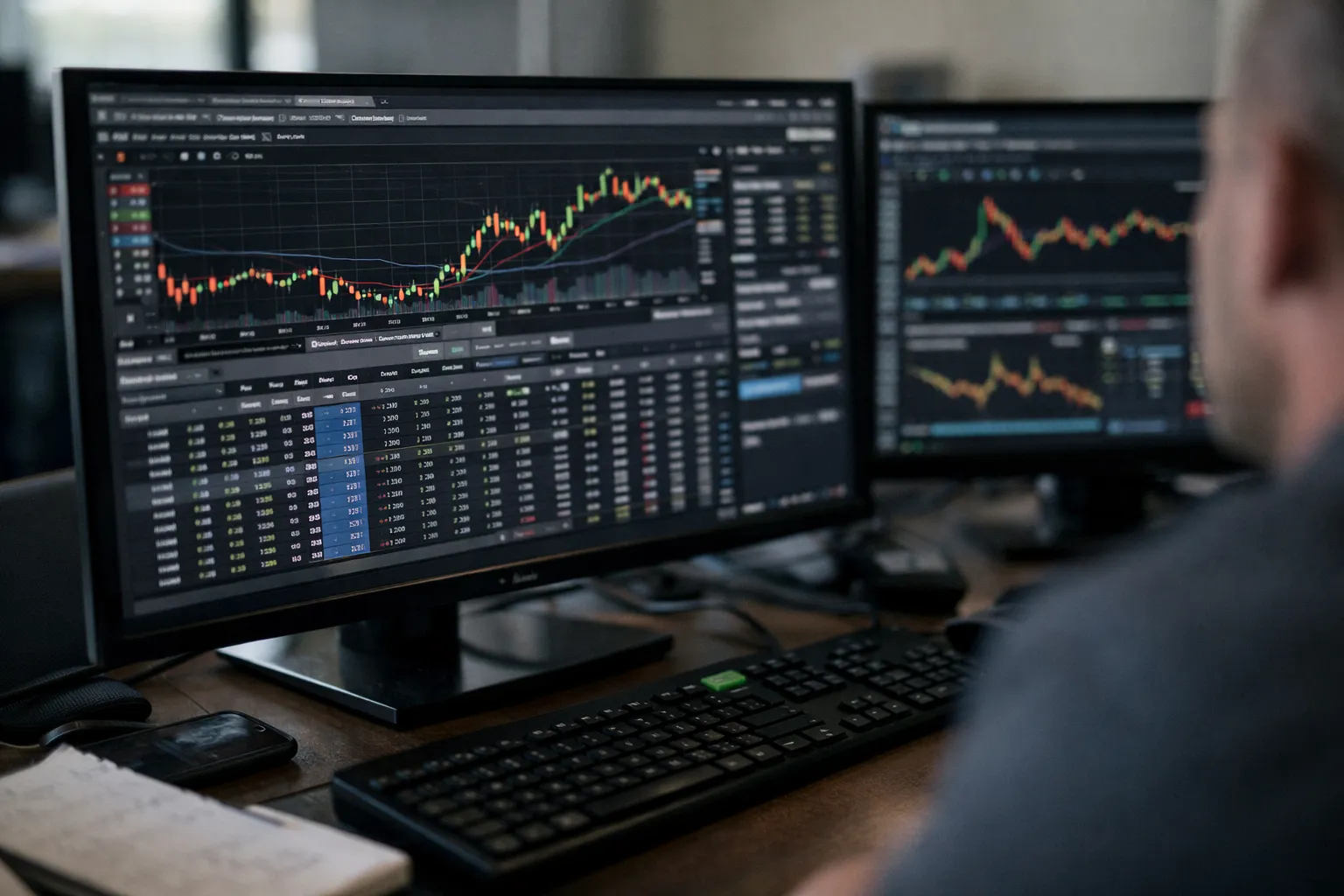
thinkorswim is happier on a modern setup. For a smooth multi-monitor streaming workspace, aim for: a recent quad-core CPU (or better), 16–32 GB RAM, and an SSD. Running the live data feed, multiple chart windows and paperMoney concurrently is a memory and CPU task — older laptops will slow down.
Who It's For
- Active options traders who frequently construct and manage multi-leg positions (spreads, iron condors, butterflies).
- Traders who want a single environment for analysis, rehearsal and execution.
- Technically minded retail traders who will use thinkScript to create alerts and custom scans.
Not ideal for casual investors who want a gently guided, mobile-first onboarding or for firms that require a programmatic trading API for high-frequency automated execution.
Alternatives
- Tastyworks — Options-first UX, focused execution flow and an educational ecosystem. Simpler than thinkorswim and often preferred by active options traders who prioritize throughput and quick adjustments.
- Interactive Brokers (IBKR) — Lower commission tiers for very high-volume traders, professional routing options and robust APIs (REST/FIX) for programmatic execution. Better for institutional-scale automation.
- TradeStation — Strong desktop tools and scripting (EasyLanguage) for systematic traders; different trade model and fee structure that some options strategists prefer.
Verdict
thinkorswim remains one of the most capable desktop platforms for options traders in October 2026. Its strengths are depth and integration: analysis, simulation and execution live together, and thinkScript lets you extend the platform without becoming a full-time developer. The tradeoff is complexity and resource demands.
Recommendation: If you trade multi-leg options strategies regularly, want a free, powerful sandbox to iterate, and value visual risk tools, thinkorswim should be on your shortlist. If your priority is lowest per-contract cost at very high volumes or programmatic execution at scale, evaluate Interactive Brokers in parallel.
FAQ
Do I need a funded Charles Schwab/TD account to use thinkorswim?
Yes. The desktop platform is available to Schwab/TD clients. thinkorswim is free to use for account holders, but live trading requires an account with the firm.
Can I automate trades from thinkorswim using Python or an API?
thinkScript supports custom alerts and conditional logic inside the platform but is not a general-purpose API for automated execution. For fully automated, programmatic order execution, consider brokers that expose REST or FIX endpoints (Interactive Brokers is a common option).
Is paperMoney realistic for options testing?
paperMoney models multi-leg fills, margin and slippage and is excellent for rehearsing order mechanics and adjustments. It’s not a substitute for large-scale statistical backtests or Monte Carlo stress-testing, but it’s one of the better in-platform simulators for practical rehearsal.
How should I think about privacy and security?
thinkorswim uses Charles Schwab’s account infrastructure: industry-standard encryption and multi-factor authentication (MFA) options. Enable MFA, keep client software updated, and review Schwab’s account-sharing and third-party permission settings if you connect external services.
What’s the fastest way to learn the platform without risking capital?
Start with paperMoney and OnDemand. Rehearse specific trade adjustments and use thinkBack to see historical option behavior. Pair that practice with small live trades once your process and execution timing feel repeatable.